
If you want to improve accessibility, viewer retention, and engagement during streams or recordings, learning how to add captions to OBS is essential.
Captions in OBS help viewers follow your content in noisy environments, improve watch time, support multilingual audiences, and increase discoverability across platforms like YouTube, Twitch, Instagram Reels, and TikTok. 📈
Learn how to add captions to OBS with step-by-step methods, live subtitle tips, accessibility tricks, and engagement strategies for creators.
Why OBS Captions Are Becoming a Creator Essential 🚀
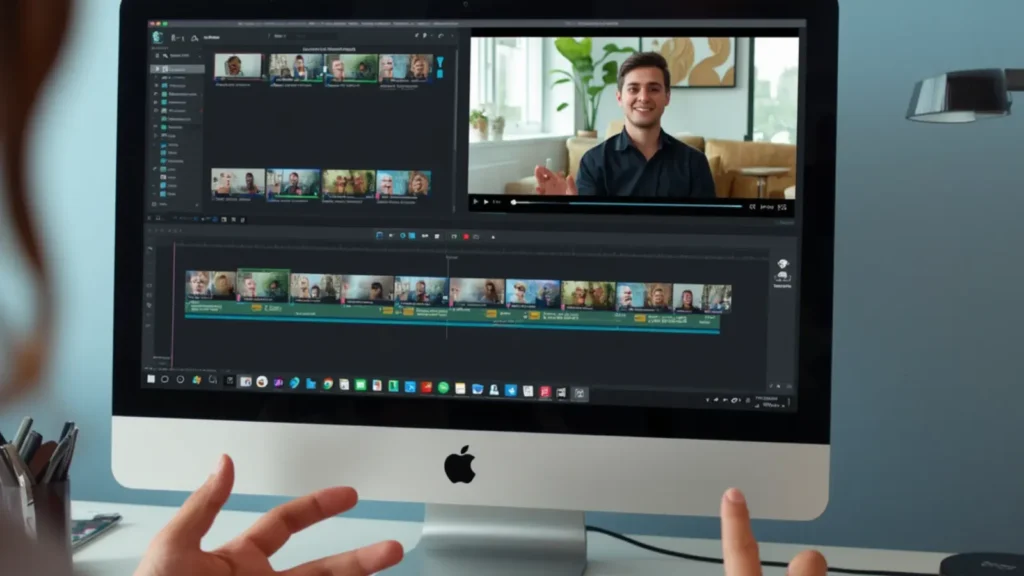
- Modern viewers consume content silently more than ever, especially on mobile devices while scrolling through reels and short-form videos. 📱
- Captions help increase watch duration because audiences stay engaged even without headphones. 🎧
- Live subtitles improve accessibility for viewers with hearing impairments and language barriers. ♿
- Search engines can better understand captioned content, improving SEO visibility and indexing potential. 🔍
- Streamers using captions often experience stronger audience retention during gaming streams and podcasts. 🎮
- Captioned clips perform better on autoplay feeds across social media platforms. ▶️
- Educational creators gain credibility because captions improve clarity and comprehension. 📚
- OBS captions make tutorials easier to follow during screen recordings and walkthroughs. 🖥️
- Businesses using live streams benefit from smoother communication during webinars and presentations. 💼
- Captioned videos are more likely to be reshared across social platforms. 🔄
- Creators targeting global audiences can communicate more effectively with subtitles. 🌍
- Adding captions supports modern engagement strategies tied to visibility, hashtags, and audience growth. 📊
Understanding the Different Caption Methods in OBS 🖥️
- OBS does not include advanced built-in subtitle systems by default. ⚙️
- Most creators rely on plugins, browser sources, or speech-to-text tools for captions. 🔌
- Real-time captions work best during livestreams and interactive broadcasts. 🔴
- Manual subtitles are ideal for polished YouTube uploads and edited tutorials. ✍️
- Browser-source captions are beginner-friendly and easy to customize. 🌐
- Closed captions can sometimes integrate directly with streaming platforms. 📡
- Open captions remain permanently visible on the screen. 👀
- AI-powered transcription tools automatically convert speech into text. 🤖
- OBS plugins allow full customization of fonts, colors, and animations. 🎨
- Cloud-based subtitle tools often improve transcription accuracy. ☁️
- Some creators combine OBS captions with editing apps for premium styling. 🎬
- The best caption workflow depends on your audience and content goals. 🎯
Setting Up OBS Correctly Before Adding Captions ⚙️
- Always update OBS Studio to the latest version before installing caption tools. 🔄
- A high-quality microphone improves subtitle accuracy dramatically. 🎤
- Noise suppression filters remove unwanted background distractions. 🔇
- Configure audio monitoring before testing subtitles live. 🎚️
- Stable internet speed helps cloud-based captions run smoothly. 🌐
- Organized scenes prevent subtitles from overlapping with overlays. 🗂️
- Keep webcam frames away from subtitle placement zones. 📹
- Test captions on mobile screens for readability. 📱
- Dark subtitle backgrounds improve on-screen visibility. 🌑
- Proper audio-track configuration ensures reliable speech detection. 🎵
- Record short test streams before going public. 🧪
- Strong OBS setup habits create a professional streaming experience. ✨
Installing Caption Plugins Inside OBS Smoothly 🔌
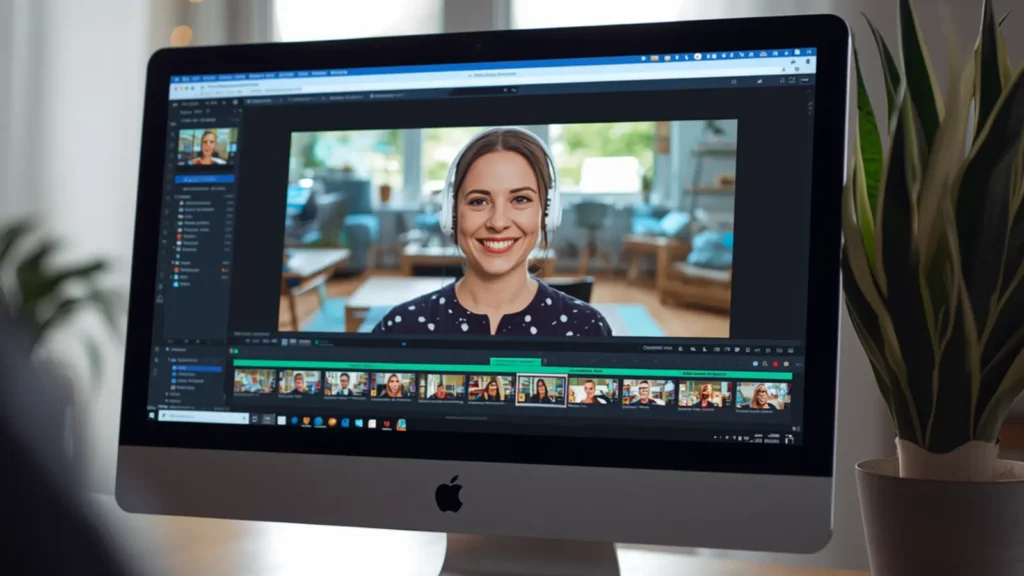
- OBS plugins unlock advanced subtitle and accessibility features. 🚀
- Download plugins only from trusted OBS community sources. 🔒
- Verify plugin compatibility with your operating system. 💻
- Close OBS completely before installing plugin files. ❌
- Copy plugin files into the proper OBS plugin directory. 📂
- Restart OBS after installation to activate the plugin. 🔄
- Check the “Tools” menu to locate subtitle settings. 🛠️
- Configure speech-recognition language preferences carefully. 🌎
- Adjust subtitle timing for smoother live viewing. ⏱️
- Customize subtitle styles to match your creator branding. 🎨
- Keep plugins updated to avoid crashes during streams. 📥
- Proper plugin installation creates seamless caption workflows. 🎥
Using Browser Sources for Real-Time Captions 🌐

- Browser-source subtitles are among the easiest OBS solutions. 💡
- Most subtitle providers generate unique URLs for OBS integration. 🔗
- Add a new Browser Source directly into your OBS scene. ➕
- Paste the caption URL into the browser-source settings panel. 📋
- Resize the subtitle layer for proper on-screen alignment. 📏
- Lock subtitle layers to avoid accidental movement during streams. 🔐
- Transparent browser backgrounds create cleaner visuals. ✨
- Browser captions work especially well for podcasts and interviews. 🎙️
- Clear microphone audio improves subtitle synchronization. 🎤
- Some browser-caption systems support multilingual subtitles. 🌍
- Animated captions increase engagement on reels and short clips. 🎞️
- Browser-based subtitles require very little technical experience. 🧠
Making Captions Look Professional On Screen 🎨
- Readability matters more than overly flashy subtitle designs.
- Sans-serif fonts are usually the easiest to read on streams. 🔤
- Larger font sizes help mobile viewers follow content easily. 📱
- White text with dark outlines improves contrast and visibility. ⚫
- Avoid placing captions near alerts or donation popups. 🚫
- Smooth subtitle animations feel more professional than distracting effects. 🎬
- Match subtitle colors with your personal brand identity. 🌈
- Consistent subtitle positioning improves viewer comfort. 📍
- Short subtitle lines are easier to process quickly. ⚡
- Proper spacing prevents captions from looking cluttered. 🧹
- Professional captions instantly elevate production quality. 🏆
- Stylish subtitles help creators stand out on crowded feeds. 🌟
Boosting Accessibility Through OBS Captions ♿
- Accessibility is becoming essential for modern digital creators. 🌍
- Captions support viewers with hearing impairments. 👂
- Non-native English speakers benefit from subtitle assistance. 🗣️
- Captions improve understanding during fast-paced gaming commentary. 🎮
- Educational streams become easier to follow with visible text. 📚
- Accessibility-friendly streams build stronger community trust. 🤝
- Search engines can interpret subtitle text for SEO relevance. 🔍
- Viewers in noisy places can continue watching silently. 🚇
- Accessible streams often improve audience loyalty and retention. ❤️
- Better inclusivity can lead to stronger engagement metrics. 📊
- Accessibility enhancements expand overall content reach. 📈
- OBS captions are now expected from professional creators. 🎥
Troubleshooting Common OBS Caption Problems 🛠️
- Delayed captions usually happen because of internet lag. 🌐
- Inaccurate subtitles often come from unclear microphone audio. 🎤
- Plugin crashes may occur if OBS is outdated. ⚠️
- Expired browser-source URLs can stop captions from appearing. 🔗
- Audio desynchronization affects subtitle timing accuracy. ⏳
- Loud background music may confuse speech-recognition systems. 🎵
- CPU overload can reduce subtitle responsiveness during streams. 💻
- Test captions privately before going live publicly. 🧪
- Reposition overlays if captions become visually cluttered. 📍
- Restarting OBS often resolves temporary subtitle glitches. 🔄
- Reinstall plugins if settings become corrupted. 📂
- Regular testing ensures smooth experiences for viewers. ✅
Optimizing Captioned Streams for Social Media Reach 📱
- Captioned clips perform exceptionally well on Instagram Reels and TikTok. 🔥
- Silent autoplay videos gain more attention with subtitles enabled. ▶️
- Captions increase replay value for short-form videos. 🔄
- Adding hashtags alongside subtitles improves discoverability. #️⃣
- Short captions help viewers stay focused during scrolling. 👀
- Branded subtitles strengthen creator recognition. 🏷️
- Engagement rates often rise when viewers instantly understand content. 📊
- Bold captions highlight key moments in videos effectively. ✨
- Strong subtitle hooks improve first-three-second retention. ⏱️
- OBS recordings can easily become vertical short-form clips. 📲
- Captioned content usually earns more shares and comments. 💬
- Better retention signals can improve algorithm visibility. 🚀
Using OBS Captions for Gaming Streams and Podcasts 🎮
- Gaming creators use subtitles to improve stream clarity. 🎯
- Podcast captions make long discussions easier to follow. 🎙️
- Silent viewers can still engage with stream conversations. 🔇
- Multiplayer communication becomes easier with subtitles enabled. 🕹️
- Captions help emphasize funny or emotional reactions. 😂
- Subtitle-enhanced clips are easier to repurpose for social media. 📱
- Podcasts become more accessible to global listeners. 🌍
- Long streams maintain higher retention with captions active. 📈
- Gaming tutorials become easier to understand visually. 🧠
- Interview streams feel more professional with subtitles. 💼
- Highlight captions help create meme-worthy moments. 😎
- OBS captions turn casual streams into shareable content assets. 🚀
Smart Workflow Habits for Consistent Caption Quality 📋
- Perform quick microphone checks before every stream. 🎤
- Keep microphone placement consistent for reliable audio quality. 📍
- Design scenes specifically for subtitle-friendly layouts. 🖥️
- Save subtitle presets to speed up future stream setups. 💾
- Speak clearly and at a steady pace for better transcription. 🗣️
- Reduce background noise whenever possible during recordings. 🔇
- Review recordings to identify subtitle mistakes. 👀
- Update plugins frequently for better performance and stability. 🔄
- Keep branding consistent across overlays and subtitles. 🎨
- Analyze engagement metrics after implementing captions. 📊
- Repurpose captioned clips into blogs, reels, and highlights. ✂️
- Strong workflows help creators scale content production efficiently. 🚀
Future Trends Shaping OBS Captions and Streaming 📡
- Real-time translation captions are becoming increasingly popular. 🌎
- Subtitle accuracy is improving through smarter speech recognition. 🤖
- Interactive captions may soon allow viewer customization. ⚡
- Multilingual streaming audiences continue driving subtitle innovation. 🌍
- Streaming platforms increasingly reward accessible content. 🏆
- Voice-search optimization benefits from caption transcripts. 🔍
- Smart subtitle styling is becoming part of creator branding. 🎨
- Automated clipping tools may integrate directly with captions. ✂️
- Podcast repurposing heavily depends on subtitle workflows. 🎙️
- Caption analytics may shape future engagement strategies. 📊
- Search visibility could increasingly rely on accessible metadata. 📈
- Early adoption of OBS captions creates long-term creator advantages. 🚀
Turning OBS Captions Into a Visibility Growth Strategy 📈
- Captioned content creates better viewer experiences overall. 😊
- Improved retention can positively influence platform algorithms. 🔥
- Subtitles support semantic indexing for broader keyword relevance. 🔍
- Search engines better understand spoken content through captions. 🧠
- Captions increase professionalism and audience trust. 🤝
- Accessibility improvements strengthen long-term community loyalty. ❤️
- Mobile viewers benefit significantly from visible subtitles. 📱
- OBS captions improve content repurposing efficiency. ✂️
- Strategic subtitles boost performance on reels and shorts. 🎞️
- Consistent caption styling reinforces creator branding. 🏷️
- Better visibility often leads to stronger follower growth. 📈
- Learning how to add captions to OBS is a smart long-term investment. 💥
Conclusion :
Learning how to add captions to OBS can dramatically improve accessibility, engagement, watch time, and content visibility across streaming and social media platforms.
Whether you create gaming streams, podcasts, tutorials, webinars, or short-form reels, captions help audiences stay connected to your content in every viewing environment.
From browser-source subtitles to advanced plugins and optimized layouts, OBS caption workflows are now an essential part of professional content creation.
Start implementing captions consistently, test your setup regularly, and use subtitle-driven strategies to increase audience retention, discoverability, and long-term creator growth.

Lifestyle writer focused on relatable captions, Instagram aesthetics, and modern storytelling.