
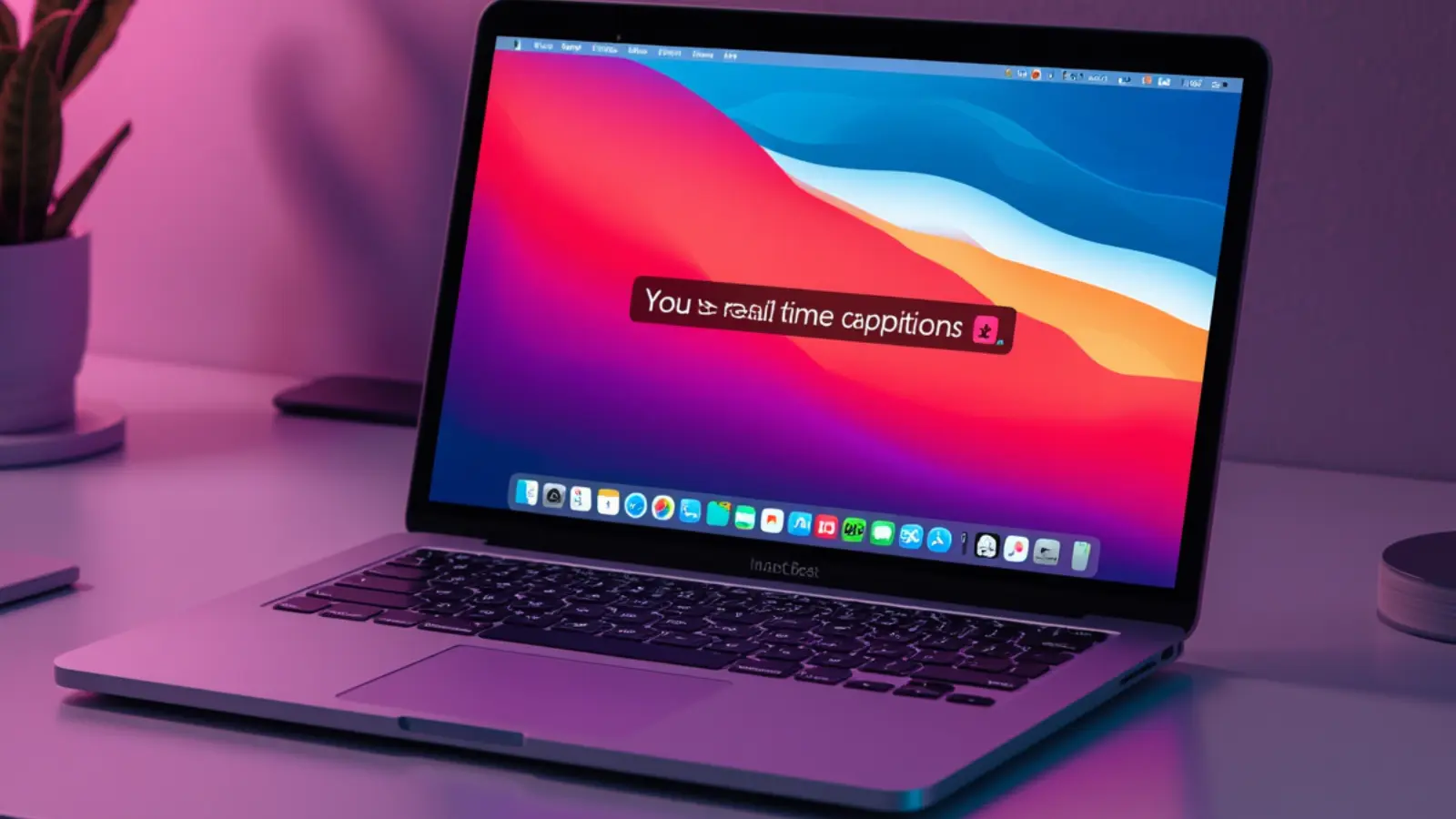
In 2026, the top choice for most users is a combination of Apple’s native Live Captions (free and system-wide) and privacy-focused apps like Livcap for better performance.
The right tool depends on your priorities: privacy, accuracy, ease of use, or advanced features.
As a social media growth expert and tech productivity guide, I’ve tested how these tools boost daily workflows, accessibility, and content consumption on macOS.
This comprehensive guide covers everything you need.
Why Live Captioning Tools Have Become Essential on macOS
- Accessibility needs continue to grow for hearing support. ♿
- Remote work and meetings demand better focus aids. 💼
- Language learners benefit from instant text reinforcement. 🌍
- Noisy environments make following audio challenging. 🏠
- Content creators use captions for editing and repurposing. 🎥
- Privacy concerns push users toward on-device solutions. 🔒
- Multitasking improves when you can read and listen. ⚡
- Educational videos and podcasts become more inclusive. 📚
- Aging users or temporary hearing issues find relief. 👴
- Gaming and streaming add immersion with captions. 🎮
- Professional compliance often requires accurate records. 📋
- Overall productivity rises with reduced audio dependency. 📈
Apple Live Captions — The Built-in Powerhouse for Most Mac Users
- System-wide coverage works across nearly any app. 🌐
- Completely free with no subscription needed. 💰
- On-device processing protects your privacy fully. 🔒
- Improved accuracy in macOS 26 and later versions. 📈
- Customizable font size, position, and colors. 🎨
- Supports microphone input and system audio. 🎤
- Low latency for natural real-time experience. ⚡
- Integrates seamlessly with FaceTime and Safari. 📱
- Multiple language support continues expanding. 🌍
- No extra apps or accounts required to start. 🚀
- Regular Apple updates enhance performance. 🔄
- Excellent starting point before trying third-party tools. ⭐
Livcap — The Privacy-First Alternative That Often Outperforms Native
- Fully local and open-source with zero data sharing. 🔒
- Faster word display and lower latency than built-in. ⚡
- Lightweight design uses minimal system resources. 🪶
- Clean floating overlay that stays out of the way. 📍
- One-click activation for instant use. 🔘
- Better customization options for power users. ⚙️
- No internet connection required after setup. 📴
- Strong performance on Apple Silicon Macs. 💪
- Community-driven improvements and transparency. 👥
- Ideal for users who want more control. 🎛️
- Free with no hidden costs or tracking. 💵
- Continues gaining popularity among Mac enthusiasts. 📈
Key Factors to Consider When Choosing a Live Captioning Tool
- On-device versus cloud processing for privacy. 🔒
- Accuracy in noisy versus quiet environments. 🌫️
- Latency — how quickly words appear on screen. ⏱️
- Customization of caption window and text style. 🎨
- System-wide support versus app-specific use. 🌐
- Battery and CPU impact on Mac laptops. 🔋
- Language support beyond English. 🌍
- Integration with Zoom, Teams, or browsers. 📹
- Export options for transcripts and notes. 📤
- Cost — free built-in versus paid premium features. 💰
- Ease of setup for non-technical users. 🛠️
- Long-term reliability and update frequency. 🔄
Setting Up and Optimizing Apple Live Captions on macOS
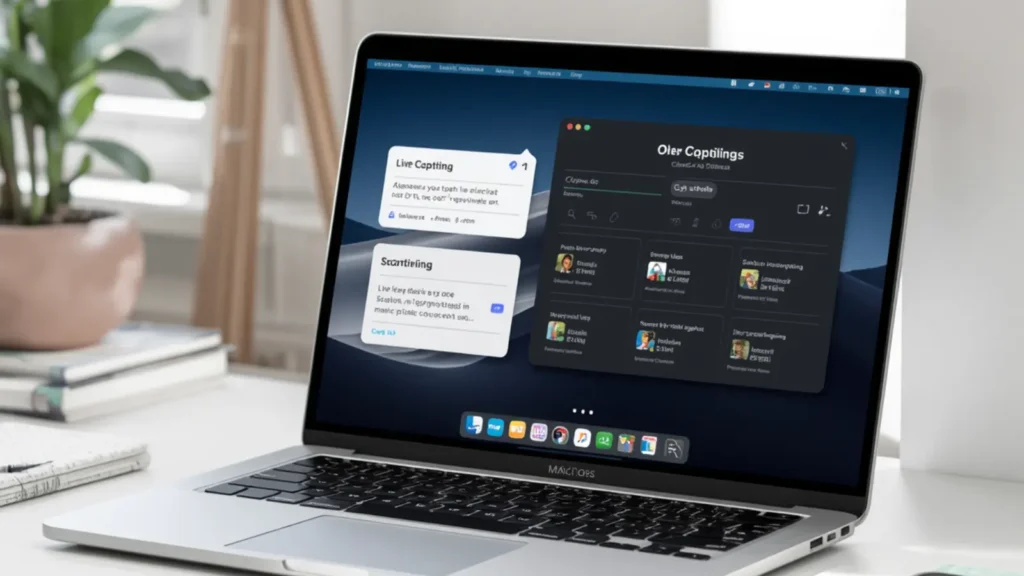
- Access via System Settings > Accessibility. ⚙️
- Toggle Live Captions and adjust appearance. 🔄
- Choose microphone or system audio sources. 🎤
- Position the caption window for best viewing. 📍
- Test in different apps like Podcasts and Safari. 📺
- Combine with Focus modes for better concentration. 🧘
- Adjust text size for readability from a distance. 🔎
- Enable during FaceTime calls for clearer chats. 📞
- Monitor and reset the engine if accuracy drops. ♻️
- Pair with good external microphones for meetings. 🎙️
- Use in quiet rooms for highest performance. 🌿
- Regularly update macOS for the latest improvements. ⬆️
How Livcap Enhances or Replaces Native Live Captions
- Install from the App Store or GitHub releases. 📲
- Launch and grant necessary microphone permissions. ✅
- Enjoy faster processing than default options. ⚡
- Customize overlay transparency and position. 🎨
- Switch seamlessly between mic and system audio. 🔄
- Benefit from lower resource usage on M-series chips. 💻
- Use during long meetings without fatigue. 🕒
- Combine with Apple’s tool for different scenarios. 🔀
- Contribute to open-source development if desired. 👩💻
- Get reliable performance even offline. 📴
- Fine-tune settings for your specific workflow. ⚙️
- Receive community updates and feature additions. 🌟
Top Third-Party Alternatives for Specialized Needs
- Otter.ai excels at meeting transcription with speaker ID. 👥
- Ava offers strong multi-platform accessibility support. 🌐
- Maestra (Web Captioner) works well in browsers. 🌍
- Notta provides professional live caption features. 💼
- Conference Live Captioning targets meeting rooms. 🏢
- Whisper-based local tools deliver high privacy. 🔒
- Descript helps creators with post-production needs. 🎬
- Read AI focuses on intelligent meeting summaries. 📊
- BlitzCut suits video creators needing fast subtitles. 🎥
- Glasscribe offers another floating overlay option. 📍
- InnoCaption specializes in clear phone call support. 📞
- MacWhisper works great for file-based transcription. 📁
Accuracy Tips to Get the Most From Any Live Captioning Tool
- Use a high-quality microphone in quiet spaces. 🎙️
- Speak clearly and at a natural pace. 🗣️
- Reduce background noise as much as possible. 🌬️
- Position your Mac’s built-in mic optimally. 📍
- Train or adapt to specific accents when possible. 🌍
- Combine tools for critical meetings. 🔄
- Edit live transcripts when accuracy matters most. ✍️
- Test different tools with your typical audio. 🧪
- Update software and models regularly. ⬆️
- Use wired headphones or external speakers. 🎧
- Minimize echo in your recording environment. 🏠
- Provide context or custom vocabulary when available. 📖
Creative and Professional Ways to Use Live Captions Daily
- Follow foreign-language content with ease. 🌐
- Take better notes during lectures and webinars. 📝
- Create accessible social media video content. 📱
- Improve focus while watching educational videos. 🎓
- Support family members with hearing needs. 👨👩👧
- Enhance language learning and pronunciation. 🗣️
- Record and review important client meetings. 💼
- Enjoy movies and podcasts at lower volumes. 🎥
- Boost productivity in open-office environments. 🏢
- Generate ideas for content from live transcripts. 💡
- Make gaming streams more inclusive. 🎮
- Assist with meditation or audio journaling. 🧘
Privacy and Security Considerations for Captioning Tools
- Prefer fully on-device processing when possible. 🔒
- Review permissions granted to each app carefully. 👀
- Avoid tools that require constant internet access. 📴
- Check data handling policies before signing up. 📜
- Use open-source options like Livcap for transparency. 🧩
- Disable features you don’t need. ⚙️
- Keep macOS and apps updated for security patches. 🔐
- Consider enterprise compliance requirements. 🏢
- Test tools with dummy audio first. 🧪
- Separate work and personal captioning setups. 🔀
- Monitor system resource usage for suspicious activity. 📊
- Choose reputable developers with good track records. ⭐
Comparing Performance Across Different macOS Versions and Hardware
- Apple Silicon Macs deliver the best on-device speed. 💪
- Newer M-series chips handle complex audio better. ⚡
- macOS 26+ shows major improvements in accuracy. 📈
- Intel Macs may need third-party tools for best results. 💻
- Battery life impact varies by tool and usage. 🔋
- External displays work well with floating captions. 🖥️
- Multi-monitor setups benefit from customizable position. 📍
- Performance improves with more unified memory. 🧠
- Test in your specific workflow for real results. 🧪
- Combine with Stage Manager for organized workspaces. 📋
- Future updates will likely close remaining gaps. 🔮
- Hardware acceleration makes a noticeable difference. 🚀
Advanced Features and Integrations Worth Exploring
- Speaker identification in meeting-focused tools. 👥
- Real-time translation alongside captioning. 🌍
- Export options for searchable transcripts. 📤
- Custom vocabulary training for industry terms. 📖
- API integrations with productivity apps. 🔗
- Keyboard shortcuts for quick toggle on/off. ⌨️
- Dark mode and accessibility-friendly designs. 🌙
- Collaboration features for team environments. 👥
- Analytics on caption accuracy over time. 📊
- Automation with Shortcuts app on macOS. ⚡
- Overlay blending with different video players. 🎬
- Multi-language switching during conversations. 🔄
Future Trends in Live Captioning Technology for macOS
- Faster on-device models with better accuracy. ⚡
- Deeper integration with Apple Intelligence features. 🧠
- Improved handling of multiple speakers. 👥
- Seamless translation for global communication. 🌍
- Better noise cancellation and echo reduction. 🌫️
- Personalized voice adaptation over time. 🗣️
- Expanded creative tools for content makers. 🎨
- Stronger focus on privacy-first solutions. 🔒
- Cross-device continuity with iPhone and iPad. 🔄
- More open-source innovation in the Mac community. 👩💻
- Enhanced accessibility compliance tools. ♿
- Smoother performance on upcoming hardware. 🚀
Conclusion:
Finding the best live captioning tool for macOS comes down to balancing ease of use, privacy, accuracy, and specific needs.
For most users, start with Apple’s free built-in Live Captions and enhance it with Livcap for superior speed and control.
Both deliver excellent on-device performance without compromising your data.
Experiment with a few options in your daily workflow — whether for meetings, content consumption, accessibility, or creativity.
The right tool can dramatically improve focus, understanding, and productivity on your Mac.
Drop your experience with live captioning tools or specific use cases in the comments — I’d love to hear what works best for you and may feature helpful tips in future updates!
Keep exploring ways to make your Mac experience more accessible and efficient.
The perfect setup is waiting for you. ✨📱

Humor writer known for clever puns and viral caption ideas.